Knowledge Base
Featured Articles
Popular Articles
Newest Articles
Recently Updated Articles
Frequently Asked Questions
How do I know which version of BWT software I am using?
To determine the version:
- Go to the My DocumentsNinjaTrader 8binCustom folder.
- Right-click the BWT.NinjaTrader8.PrecisionAutoTrader.dll file and go to Properties.
- Click the Details tab.
- Find the version by viewing the setting under file version.
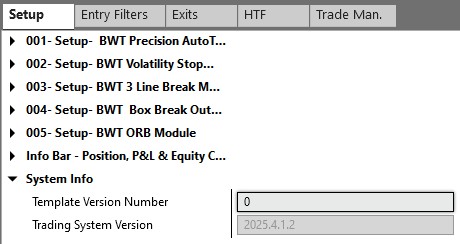
If you have the AutoTrader running, you can also find the version on the Setup Tab. Look for Trading System Version.